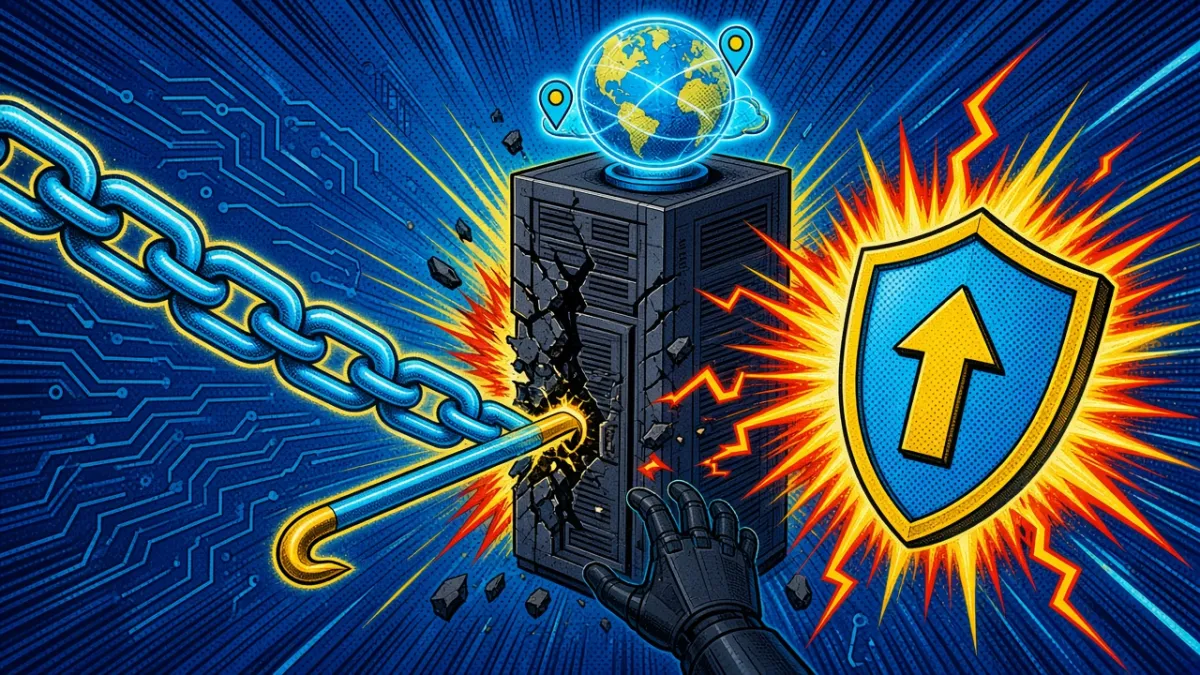
Attackers swapped trojanized installers into the official downloads of Q-Dir and DesktopOK, two long-running free Windows utilities from developer Nenad Hrg's SoftwareOK site, according to an analysis by South Korean security firm AhnLab's ASEC team published on November 26 and reported by The Hacker News on November 27. The tampered builds install the real program and quietly add a Python-based remote-access trojan (RAT).
Why it matters: these are not lookalike sites or cracked copies. The Hacker News says AhnLab saw the malicious files created both when people downloaded from the official page and when existing installs ran their built-in update. Q-Dir (a four-pane file manager) and DesktopOK (which saves desktop icon layouts) are popular with power users and admins, so a routine update on a work PC could have pulled in a backdoor.
Affected versions
| Program | Versions AhnLab found tampered |
|---|---|
| Q-Dir | 12.83, 12.84, 12.85 |
| DesktopOK | 12.82, 12.85 |
Not every copy of these versions is malicious: WindowsForum and TalkWithTech both stress that the file hash, not the version number, decides. Neither AhnLab nor the outlets could say how long the bad builds were served or how many machines got them, and none of the reports explain how the attackers got onto the download and update channel. WindowsForum, citing BleepingComputer, says users had been complaining for about two weeks before AhnLab confirmed the problem.
There is also a nuance on code signing. Some coverage says the poisoned installers were signed with the developer's certificate. WindowsForum's reading of the ASEC report is narrower: the genuine program embedded inside the malicious installer carried a valid Nenad Hrg signature. Either way, a valid signature on the app you see is not proof you're clean.
What the malware does
Per The Hacker News and WindowsForum, both citing AhnLab:
- The installer launches the real utility as cover, then downloads
7zr.exe(a legitimate 7-Zip tool) and an archive,dsv2_py39_agent.7z, holding the RAT and a bundled Python runtime, frommail.c1a2[.]top. - It sets up a scheduled task disguised as a Microsoft Edge task that runs the script
py_client_dsv2.pywith a hiddenpythonw.exe. WindowsForum gives the task path as\UPnp\MicrosoftEdge_dcnteland the default payload folder asC:\ProgramData\Microsoft\DeviceSync\b2(orC:\ProgramData\DeviceSync\b2). - The RAT talks to
8.210.69[.]51on port 9876. It can run shell commands and Python code, move files in and out, take screenshots and collect system information. - It checks for installed security products and reports them back. The Hacker News lists 16 vendors by name; WindowsForum and TalkWithTech say the list has 1,206 entries.
AhnLab has not attributed the attack to a known group. It noted Chinese-language comments in the code, which The Hacker News and WindowsForum both say may only point to a Chinese-speaking environment. At the time of the reports, the developer had not responded to press questions, and no source we read names a confirmed-clean replacement version.
What to do
- If you have Q-Dir or DesktopOK installed, assume nothing until you check. Uninstalling the app does not remove the RAT, according to The Hacker News and WindowsForum.
- Look for the persistence. In Task Scheduler, check for an Edge-named task under a
UPnpfolder, or run (PowerShell, from WindowsForum's suggested checks):
Get-ScheduledTask -TaskPath "\UPnp\"
Test-Path "C:\ProgramData\Microsoft\DeviceSync\b2","C:\ProgramData\DeviceSync\b2"
Get-NetTCPConnection -RemotePort 9876 -ErrorAction SilentlyContinue- Search for
py_client_dsv2.pyand any unexpectedpy39Python folder. - Network teams: search DNS and proxy logs for
mail.c1a2[.]topand firewall logs for8.210.69[.]51:9876. - If you find any of it, treat the machine as compromised: remove the task and payload folder, run a full scan with updated security software, and change passwords and tokens used on that PC from a different device. Rebuilding is the safer option for work machines.
- Before reinstalling, compare the installer's SHA-256 (
Get-FileHash) with the hash published on the official download page, as AhnLab advises per WindowsForum, or hold off until SoftwareOK says what happened.
What to watch
The key open questions are how the official site and updater were compromised, how long it lasted, and whether SoftwareOK will publish clean builds and a statement. We have not been able to read AhnLab's original report directly, so the indicators above come from the coverage cited here; check the ASEC post for the full hash list.
Sources
- The Hacker News — Hackers Trojanize Official Q-Dir and DesktopOK Downloads to Deliver Remote Access Malware thehackernews.com
- WindowsForum — Q-Dir and DesktopOK Supply Chain Attack Delivers Python RAT Through Installers and Updates windowsforum.com
- TalkWithTech — Is Q-Dir safe? 5 poisoned installers and how to check your PC talkwithtech.com